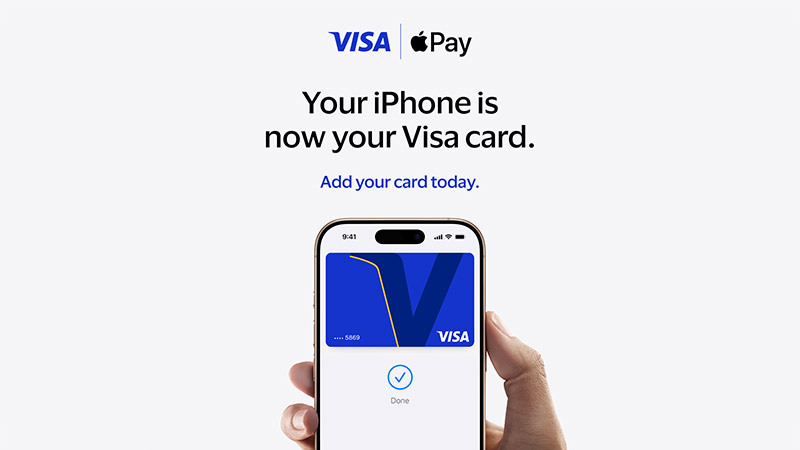
An easy, secure, and private way to pay on your iPhone and Apple Watch.
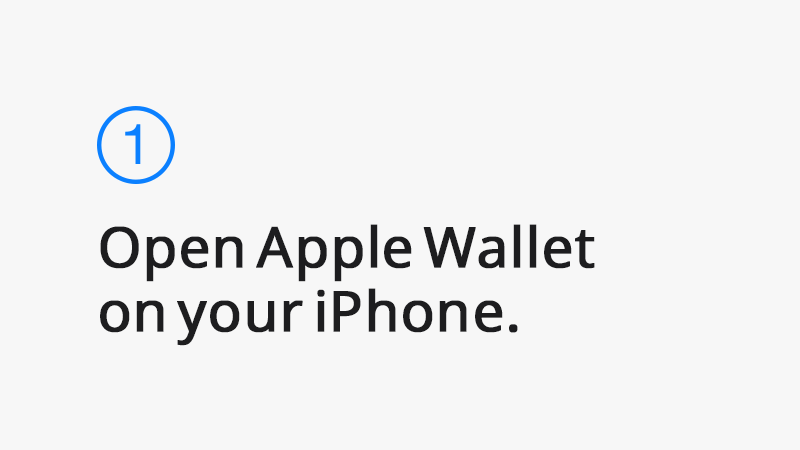
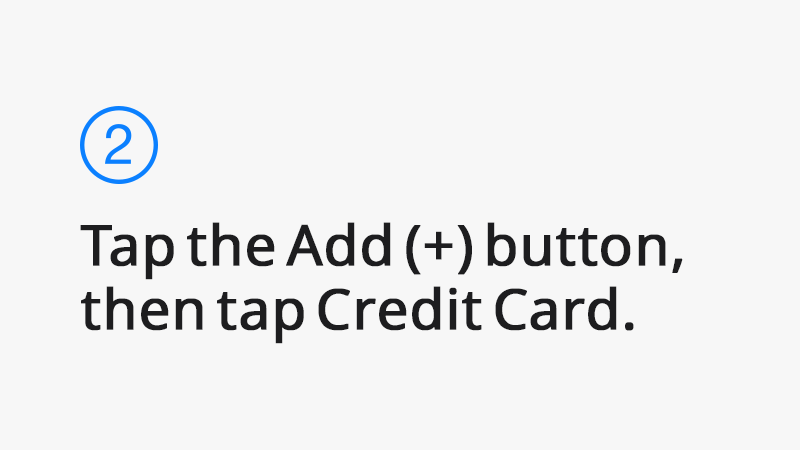
Add your Visa card in a few steps.
Valid on Axis Bank credit cards only.

¹ Legal Disclaimers
To use Apple Pay you need a supported card from a participating card issuer. During the initial setup of the card for Apple Pay, an additional factor of verification like OTP or Bank App Verification may be required by your card issuer. To check if your card is compatible with Apple Pay, contact your card issuer.
Visa credit cards can currently be used with Apple Pay on Apple devices except Mac.
Apple Pay is not available in all markets. View Apple Pay countries and regions.
Features are subject to change. Some features, applications, and services may not be available in all regions or all languages and may require specific hardware and software. For more information, see Feature Availability.
The Contactless Symbol is a trademark owned by and used with permission of EMVCo, LLC.